
Table of Contents
Author

Nihar Rout
Managing Partner 4DAlert
Introduction
How to stop database deployments from slowing your business down — and build a pipeline that actually keeps up.
Every time your team releases a version of a product there is a big risk that has nothing to do with how good the code is. This risk is in the database. It could be a column that was missed. It could be a migration that was run out of order. It could be a change that was made directly to the production database and never written down. These are the kinds of issues that cause deployments to fail, emergency rollbacks to happen, and customers to experience outages. This does not happen because teams are not good at what they do — it happens because database changes are handled differently than application code.
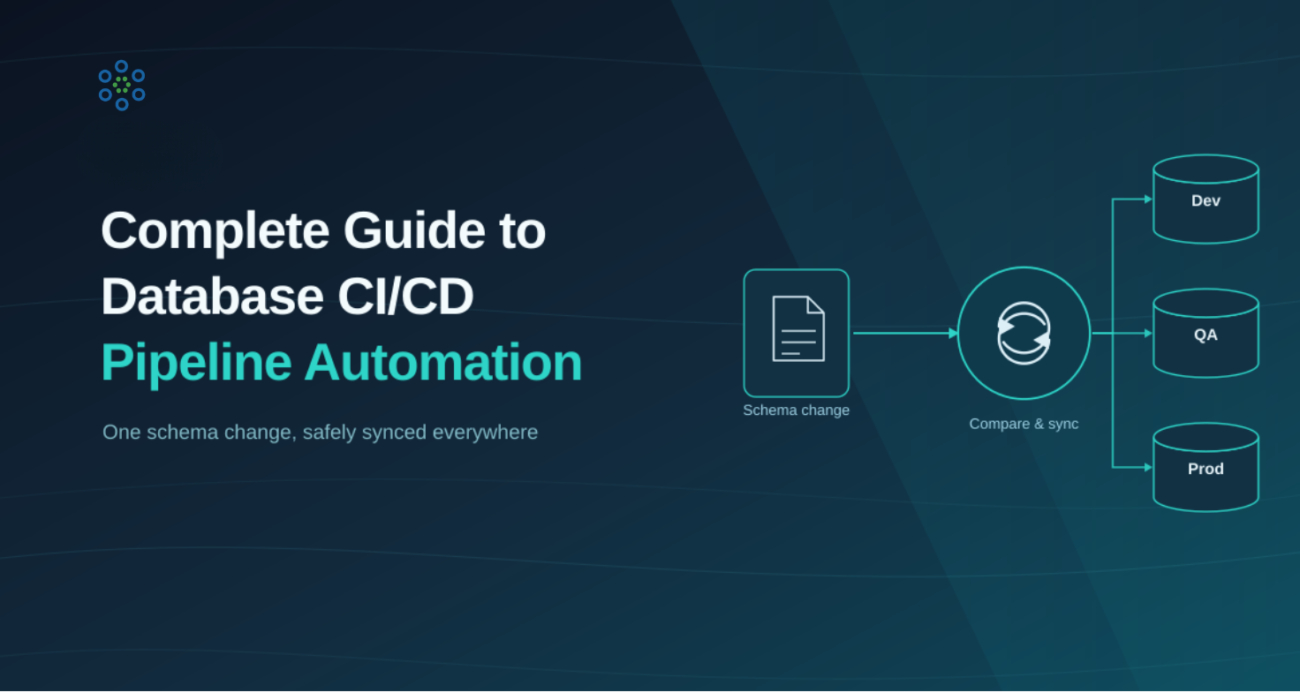
Automating the database CI/CD pipeline closes this gap. It does this by bringing version control, automated schema comparison, deployment validation, and database change management into a process that can be repeated every time there is a release. Instead of relying on manual scripts and last-minute checks, engineering teams can automate schema migrations and database deployments as part of their existing DevOps pipeline.
The impact on the business is significant. Organizations that automate see fewer deployment failures, less schema drift, better audit readiness, and less time spent fixing production incidents. This guide explains why database deployments fail, the principles behind Database DevOps, and how 4DAlert helps automate database releases across Snowflake, SQL Server, and other major platforms.
Why Database Changes Break Pipelines
Database change management is still the weak link in the DevOps pipeline. The 2025 State of Database DevOps Report says it clearly: organizations without mature database practices are falling behind, while those with automated and integrated pipelines are pulling ahead. The numbers back this up:
of organizations report access and deployment challenges specifically with databases (StrongDM, 2025)
lower change failure rates in organizations with a mature DevOps culture vs. those without (DORA, 2023)
change failure rate achieved by elite DevOps teams — versus 20%+ for average teams (DORA, 2025)
For most teams, the database is the one part of the pipeline that hasn't changed. Application code is released through automated CI/CD. Database changes are still released through someone's notes.
The problem isn't that database changes are inherently dangerous. The problem is that most organizations have never built a repeatable process to manage them. Without such a process, the same expensive questions come up in every release:
- What changes were made in the development environment that haven't been released to QA or production yet?
- Are there conflicting changes to the same object across different branches?
- What is the correct order to run scripts without breaking dependencies?
- Did someone change a column type in a way that will cause data to be lost?
- Is there a command to delete something that nobody explicitly approved?
These aren't edge cases. They're what normally happens to teams that manage database changes manually. The consequences are predictable: a table lock that brings down the application during high traffic, a missed migration that corrupts data in staging, a deletion that nobody notices until production is already affected.
| Risk | Without Automation | With CI/CD Pipeline |
|---|---|---|
| Deployment failures | Scripts run out of order or skip environments | Sequential, validated, pipeline-enforced |
| Production incidents | Discovered post-deployment | Caught in CI before merge |
| Rollback time | Hours of manual DBA effort | Minutes — pre-tested rollback script |
| Audit trail | Spreadsheets and email threads | Full Git history and pipeline logs |
| Schema drift | Discovered when something breaks | Detected continuously, before deployment |
These challenges aren't isolated incidents — they happen because database environments gradually drift apart over time. A schema change made in development may never be released to QA, while a quick fix applied directly to production can create inconsistencies that go unnoticed until deployment. Without automated validation and schema comparison, organizations often find out about these issues only after they affect applications, reporting, or business operations. Database changes are a risk. Database changes cause deployments to fail. Database changes need to be managed.
What Is Database CI/CD Pipeline Automation?
Continuous Integration means making frequent, reliable changes to code. Automated build and test steps confirm that changes are sound before they're merged into the repository. Continuous Delivery then takes that code and moves it into production without issues. Together, Continuous Integration and Continuous Delivery automate the process of getting changes from developers' machines into production quickly and reliably.
Database CI/CD applies the same principle — but it covers everything the database needs, not just application code. This includes:
- Changes to the database structure
- Moving data around
- Stored procedures and other database functions
- Setting up the database with reference or seed data
CI/CD Connection — GitHub and Azure DevOps
4DAlert connects directly to your DevOps tooling. Once you set it up with your repository, project, and access token, it automatically sends deployment scripts to your pipeline every time it runs. You don't have to download or upload anything manually. It works with both:
- Azure DevOps. You provide the project name, repository, and access token.
- GitHub. You provide the repository name, your username, and access token.
An automated solution like 4DAlert empowers engineers to generate deployment scripts and seamlessly push code to the DevOps tool integrated into the CI/CD process — achieving full automation of the deployment process from start to finish.
A global retail bank scheduled a routine schema change — adding a new column to their core transactions table. The migration ran cleanly in staging. In production, the same table held over 400 million rows. The ALTER locked the table for 11 minutes during peak hours. Card transactions failed. Customer support was flooded. The rollback took another 40 minutes. Total impact: thousands of failed transactions, a compliance incident report, and an emergency post-mortem. The root cause wasn't a technical error — it was a schema change that moved straight to production without a pipeline to catch it.
Schema Change Alert — Real-Time Drift Notification
4DAlert's Schema Change Alert feature notifies developers and DBAs automatically about any changes to the database schema — including alterations to tables, views, columns, indexes, and constraints.
- CI/CD Database — shows all databases connected with the Usage Flag set for CI/CD
- Schema Change Alert Notification — configure email addresses that receive alerts instantly
In a development environment where schema modifications occur frequently, this feature ensures the entire team is notified the moment a change happens — before drift becomes a production incident.
How 4DAlert Enables Database CI/CD Automation
1. Object Compatibility for CI/CD Operations
4DAlert supports a comprehensive set of database object types for CI/CD operations — covering every object that matters in real enterprise environments, not just tables and columns.
Snowflake
| Object Type | CI/CD Compatible |
|---|---|
| Table | YES |
| View | YES |
| Stored Procedure | YES |
| Function | YES |
| Sequence | YES |
| Stream | YES |
| Pipe | YES |
| File Format | YES |
| Task | YES |
| Materialized View | YES |
| Transient Table | YES |
SQL Server
| Object Type | CI/CD Compatible |
|---|---|
| Table | YES |
| View | YES |
| Stored Procedure | YES |
| Function | YES |
| Sequence | YES |
| Trigger | YES |
| Index | YES |
The Automated Pipeline Flow
- Developer commits schema change to source control.
- Pipeline triggers — 4DAlert comparison runs automatically on commit or pull request.
- Diff generated — MODIFIED, NEW, DELETED, and SYNCED objects identified across all DB types.
- Deployment script auto-generated, dependency-ordered per database engine.
- DROP operations and data-risk changes flagged for human approval before execution.
- On approval, script pushed directly to DevOps and deployed to the target environment.
- Full notifications sent with diff summary to devs, DBAs, and stakeholders.
Object Preference — Scoped, Controlled Comparisons
Not every comparison needs to cover every object type. 4DAlert's Object Preference panel lets you configure exactly which object types are in scope for each comparison run — and whether DROP statements are included in the generated deployment script. This gives teams precise control without noise.
- Select specific object types: tables, views, stored procedures, functions, sequences, streams, tasks, and more
- Enable "Include Drop Statement" only when explicitly required — off by default for safety
- Enable "Include Column Position for Comparison" to catch column order changes that would otherwise go undetected
Schema Compare History — Full Audit Log
4DAlert's Schema Compare History feature maintains a complete log of every schema comparison performed. It records who ran each comparison, when it was run, and which source and target schemas were involved — giving release managers and compliance teams a clear, exportable record of all schema change activity over time.
- Compared By — who conducted the comparison
- Compared Date/Time — timestamp of each comparison run
- Source and Target — full environment details for every comparison logged
How to Reduce Deployment Failures
Most database deployment failures are predictable and preventable. Here are the leading causes and how 4DAlert's automated pipeline addresses each:
| Failure Cause | Root Cause | 4DAlert Fix |
|---|---|---|
| Migration not tested in target env | Only tested locally | CI tests in a production-mirror environment |
| Schema drift in production | Manual changes bypassed version control | Schema Change Alert fires immediately; drift blocked before next deploy |
| Long-running table locks | ALTER on large table at peak traffic | Static analysis flags; lock timeout enforced |
| Missing rollback script | Rollback written after deployment | Rollback required and tested before merge |
| Data loss from DROP | DROP not caught in review | DROP commented out by default; explicit approval required |
| Data truncation from type change | Column type change not validated | Inline warning in SyncUp Script before execution |
| Dependency chain broken | Object modified without updating dependents | Multiple dependency detection auto-selects all related objects |
What to Look for in a Database CI/CD Tool
✓ Covers your actual object types— Tables and columns are obvious. Real environments have views, procedures, functions, sequences, streams, tasks, and more. 4DAlert supports all of them for both Snowflake and SQL Server.
✓ DROP protection by default— Destructive operations must be flagged, commented out, and require explicit approval. 4DAlert comments out DROP statements unless explicitly enabled in Object Preferences.
✓ Dependency-aware deployment— Modifying one object should automatically identify all dependent objects. 4DAlert's multiple dependency detection handles this automatically.
✓ Direct pipeline integration— Generated scripts should push straight into GitHub or Azure DevOps— not a folder someone manually uploads. 4DAlert's CI/CD Connection does this in one click.
✓ Real-time schema change alerts— The team should know the moment an unauthorized schema change occurs. 4DAlert's Schema Change Alert notifies configured email addresses instantly.
✓ Works across all your environments— DEV, QA, staging, and production — consistently, with the same workflow and the same tool.
Conclusion
Companies that want to ship software reliably can no longer manage database changes by hand. Every database change should be treated the same way as any other engineering work: automated, tracked, and verified before it goes out.
This is what happens when teams automate their database release process: fewer problems when new changes go out, databases that stay in sync across environments, audit readiness at any time, and more confidence with every release. Instead of waiting for something to break, teams can catch problems before they happen — by validating every change, understanding what depends on what, and controlling how releases move forward.
4DAlert's DataOps capabilities bring all of this together in one place: comparing schemas to detect what's changed, keeping a full history of every change, generating deployment scripts automatically, sending real-time alerts, and integrating directly with GitHub and Azure DevOps. That means companies can ship database changes faster, with confidence that they'll work correctly — repeatably, and at enterprise scale. Database deployments can be fast and safe at the same time.
Frequently Asked Questions
What is Database CI/CD Pipeline Automation?
Database CI/CD pipeline automation applies Continuous Integration and Continuous Delivery practices to database changes. It automates schema comparisons, migration validation, deployment script generation, version control, and release workflows, reducing manual effort and deployment risk.
Why do database deployments fail?
Common causes include schema drift, out-of-order migration scripts, missing dependencies, untested schema changes, manual production updates, and insufficient rollback planning. Many of these issues can be identified before deployment through automated validation and schema comparison.
How is Database CI/CD different from application CI/CD?
Application CI/CD primarily focuses on source code, while Database CI/CD manages database schemas, migration scripts, stored procedures, views, functions, and other database objects. It ensures that database changes are version-controlled, validated, and deployed consistently across environments.
What is schema drift?
Schema drift occurs when database environments gradually become inconsistent because changes are made manually or deployments are skipped. Over time, development, testing, and production databases no longer match, increasing the risk of deployment failures.
Which databases can benefit from Database CI/CD?
Any database that undergoes regular schema or data changes can benefit, including Snowflake, SQL Server, PostgreSQL, Oracle, MySQL, Amazon Redshift, Google BigQuery, Azure Synapse, and other enterprise database platforms.